


Run with Power and Crush Your Goals: How ENGO Eyewear Powered My Perfect Race
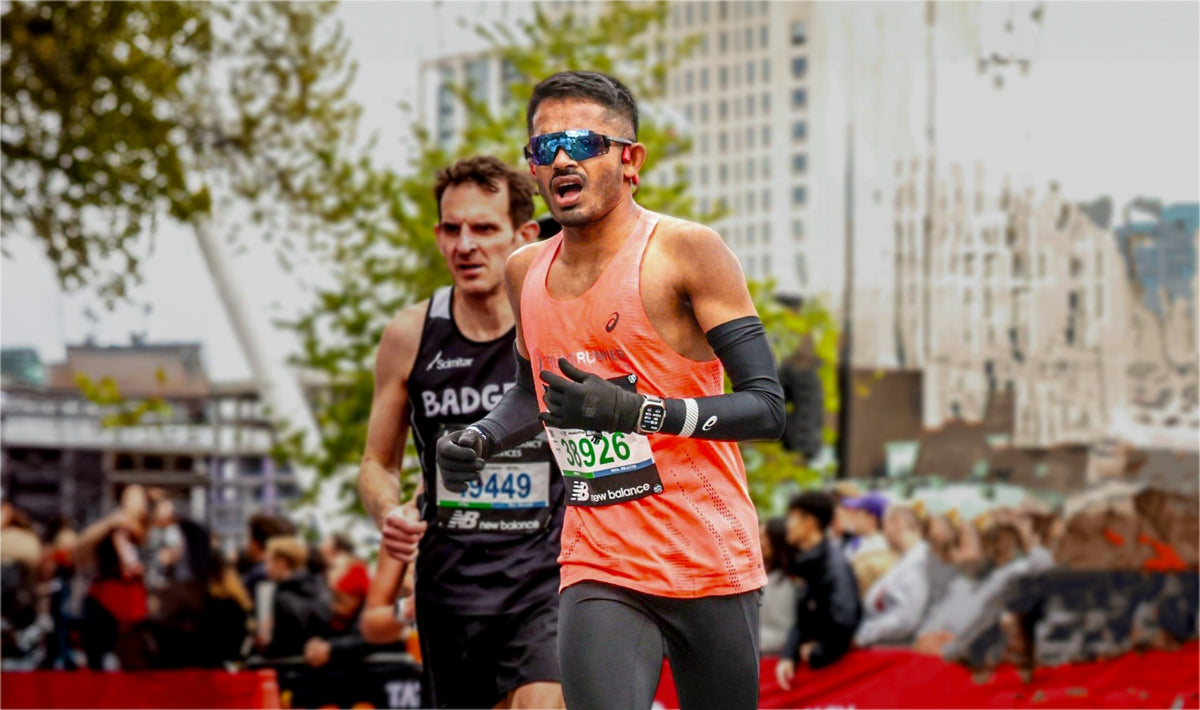
The ENGO community is booming, and Geo's story is a perfect example of why. As more athletes discover the power of ENGO eyewear, innovative training methods like effort-based training with power sensors are gaining serious traction. Geo's journey from injury recovery to a personal best marathon time showcases the transformative power of this approach, all while highlighting the unique capabilities of ENGO.

"Last year, I was coming off an injury and facing a marathon challenge. Three marathons in quick succession left my body battered, and recovery was paramount. So, in January, I started training with a new approach: effort-based training powered by ENGO eyewear.
This time, I ditched the pace and heart rate targets. Recovering from injury, I didn't want to risk overtraining. Instead, I focused on building strength, mobility, and pure effort tolerance.
My plan? Six runs a week, two strength sessions, and dedicated mobility work. But the key was training by perceived effort, with 80% of my runs focused on easy, power-based efforts. The remaining 2 days were reserved for tougher sessions: tempo runs and threshold efforts. As race day neared, I incorporated marathon-paced efforts into my long runs.

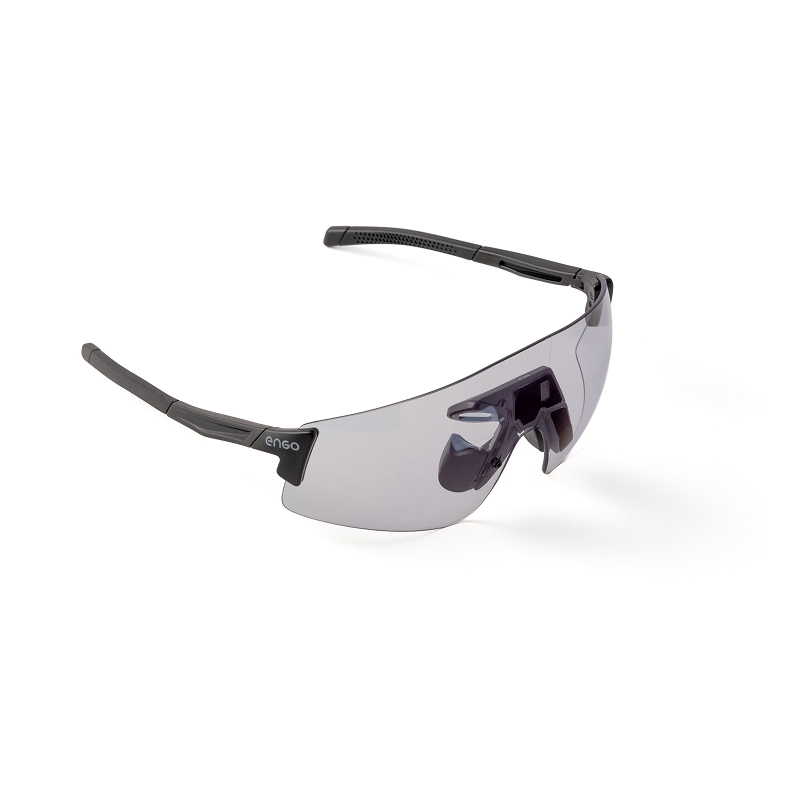
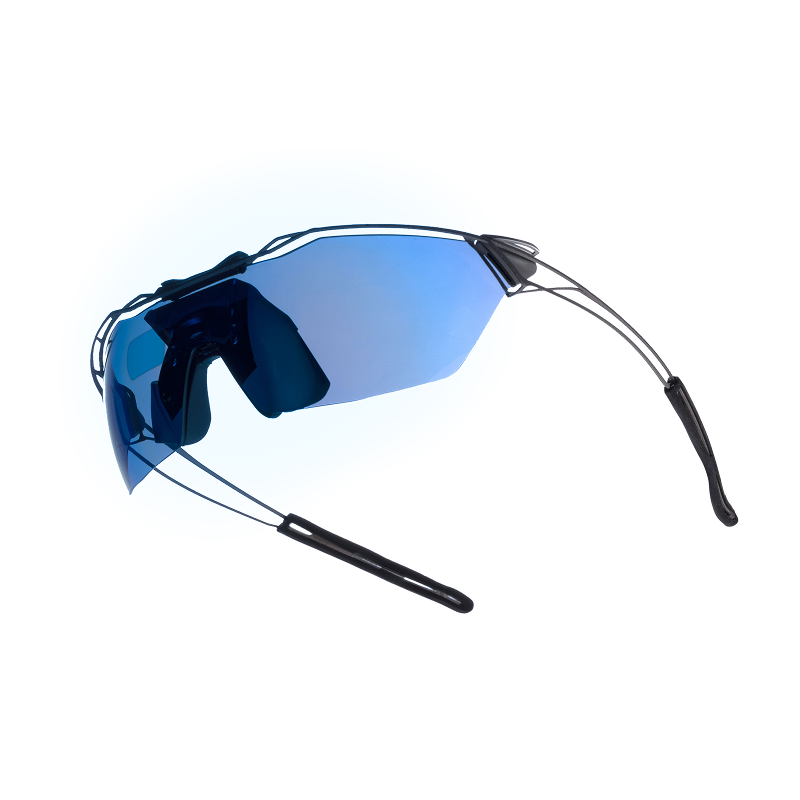
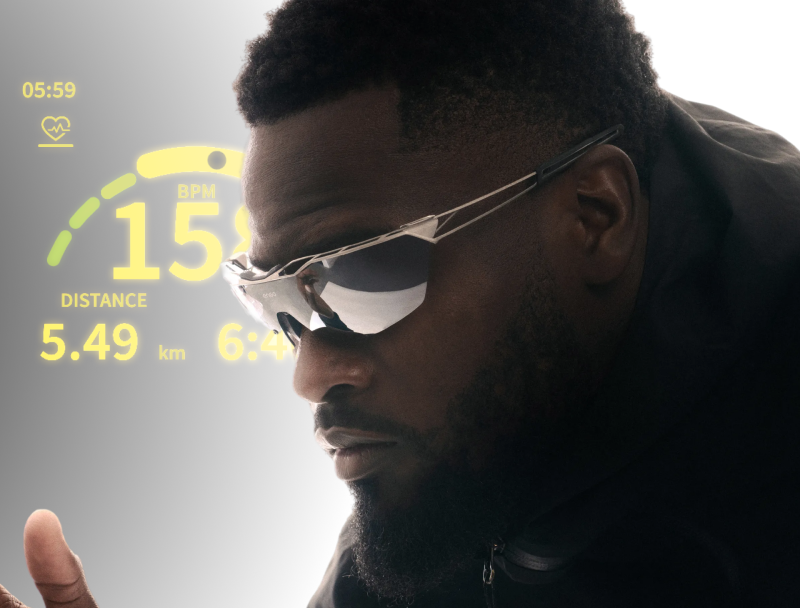
ENGO eyewear became my secret weapon. With Stryd power data displayed in my field of view, I could see my effort in real-time. This helped me stay disciplined, keeping my power output in the target zone even on tough days. Gone were the days of guessing or pushing too hard on hillier terrain. ENGO's data visualization helped me optimize my training and track my progress.
Building confidence with effort-based training: Every four and eight weeks, I threw in some max-effort tests. This data allowed me to predict my marathon power target – a crucial piece for my race strategy.

Race Day: Negative splits had always eluded me. But this time, with my power-based training and ENGO's guidance, I felt confident. My strategy? Start at my base marathon effort (260) and gradually increase it throughout the race.
The first 5 kilometers felt smooth. I kept my power perfectly in range, finishing the first half marathon at a strong 262.With ENGO, I could easily monitor my average power value in 5-kilometer blocks. Seeing myself stay within the target range fueled my confidence.
Halfway through, with a sub-three-hour finish a possibility, I upped the effort slightly. By the 30th kilometer, my average power was 264. Even at kilometer 40, with fatigue setting in, I maintained a respectable 263.

Crossing the finish line, I expected a three-hour finish. But the clock had a surprise – exactly three hours! My goal wasn't a specific time, but to maximize my current fitness. ENGO's data visualization was key. I could see my effort in real-time, adapt to race conditions, and push myself to the limit."
Credit @GeoJolly
Discover engo3
Everything runners ask, answered.
Will I even notice a difference?
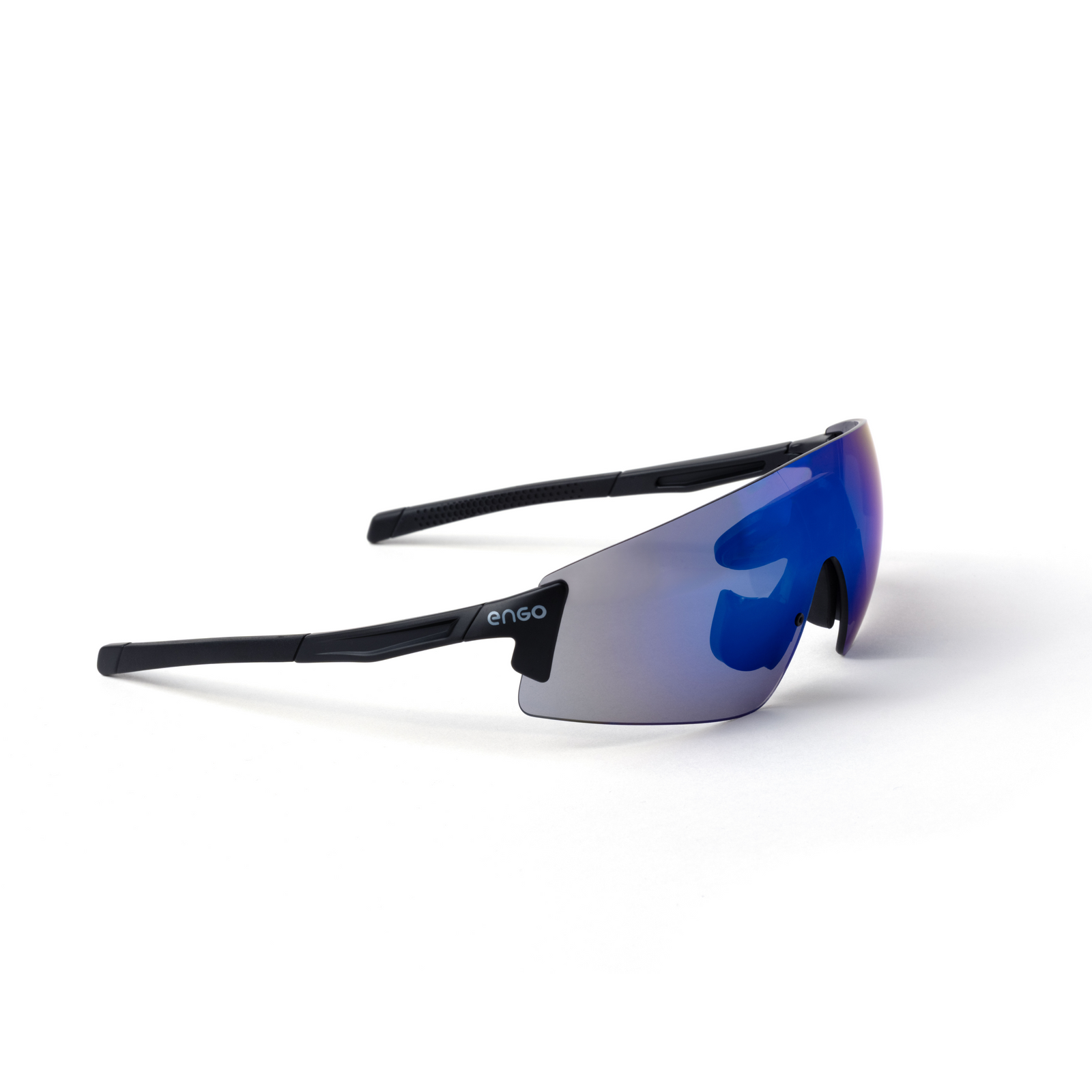
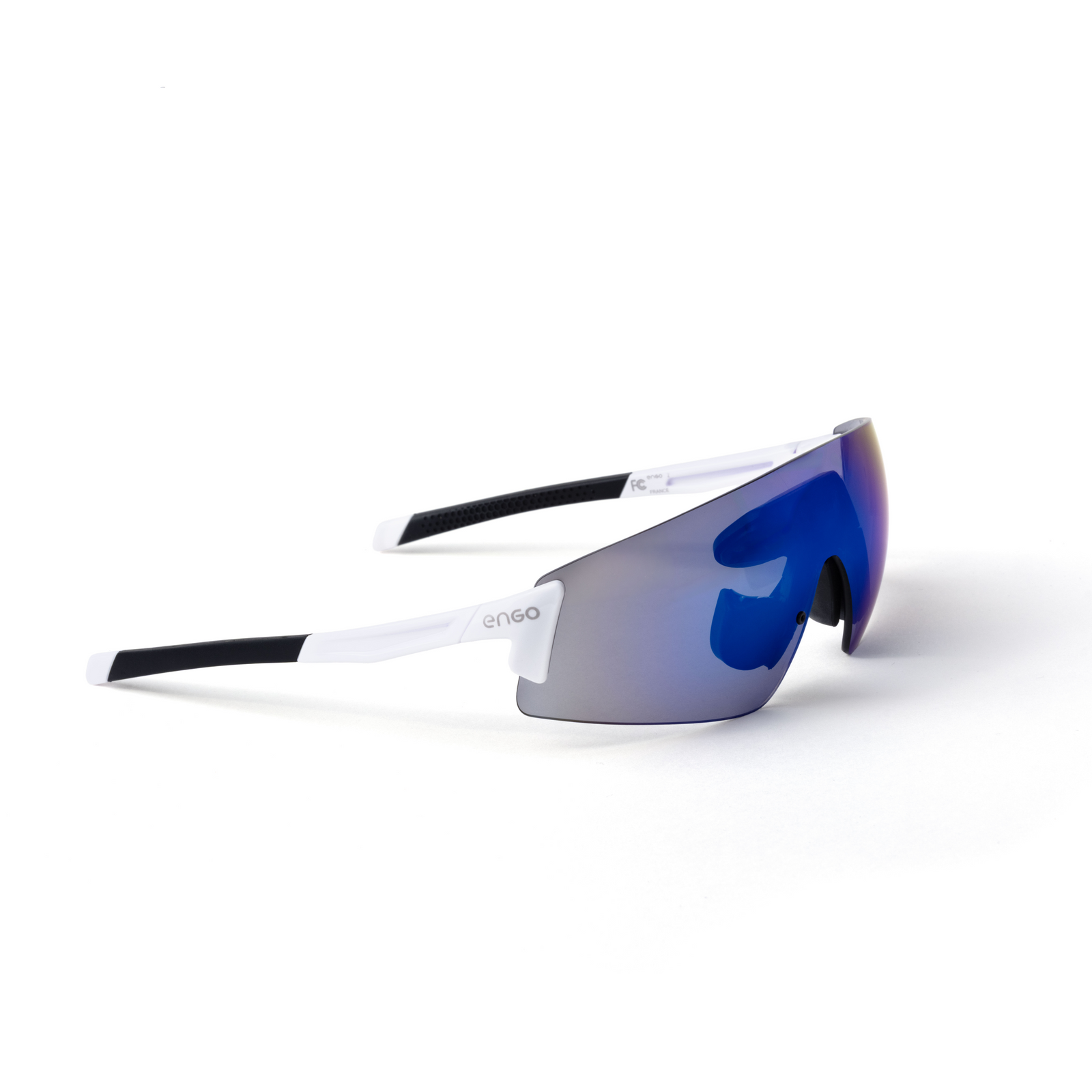
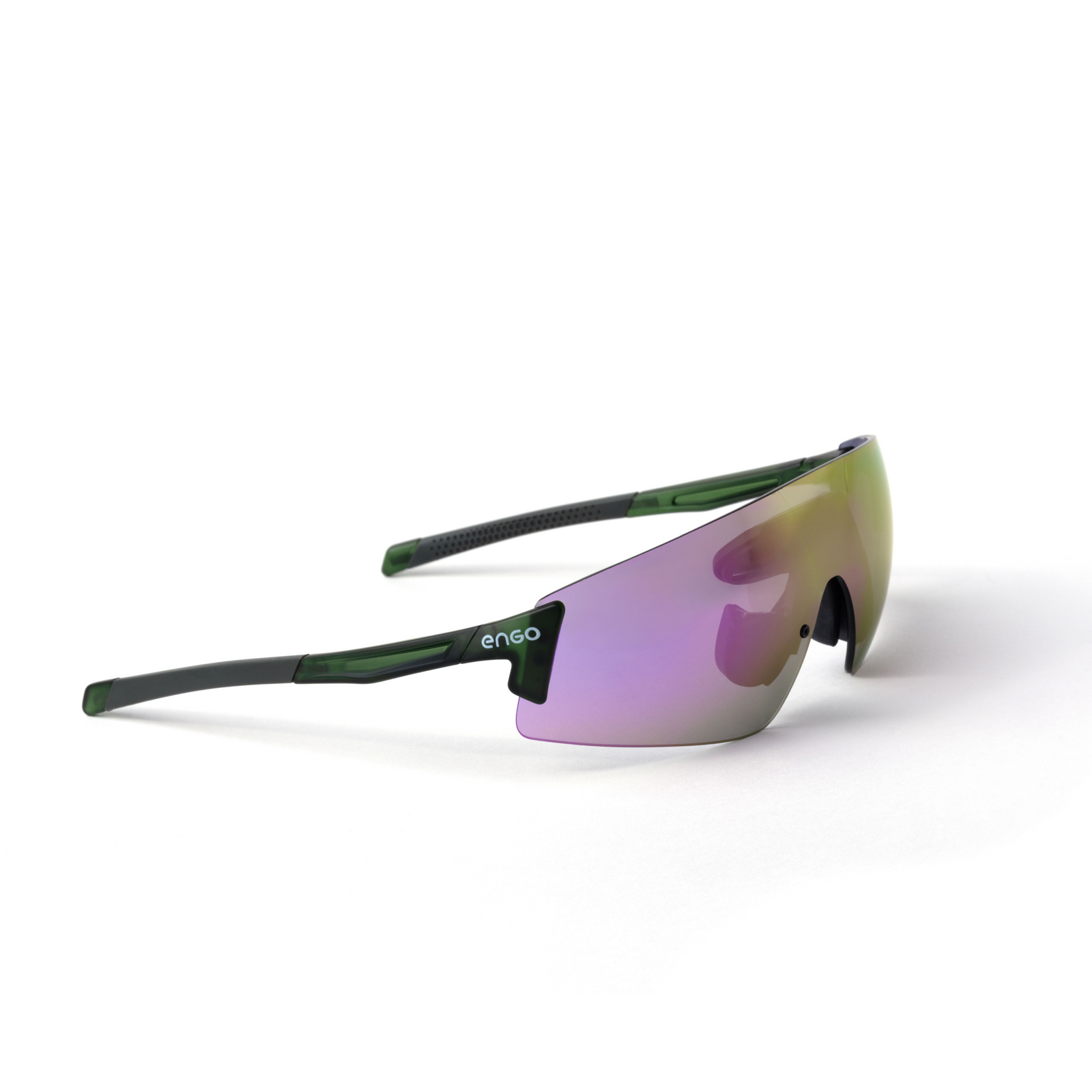
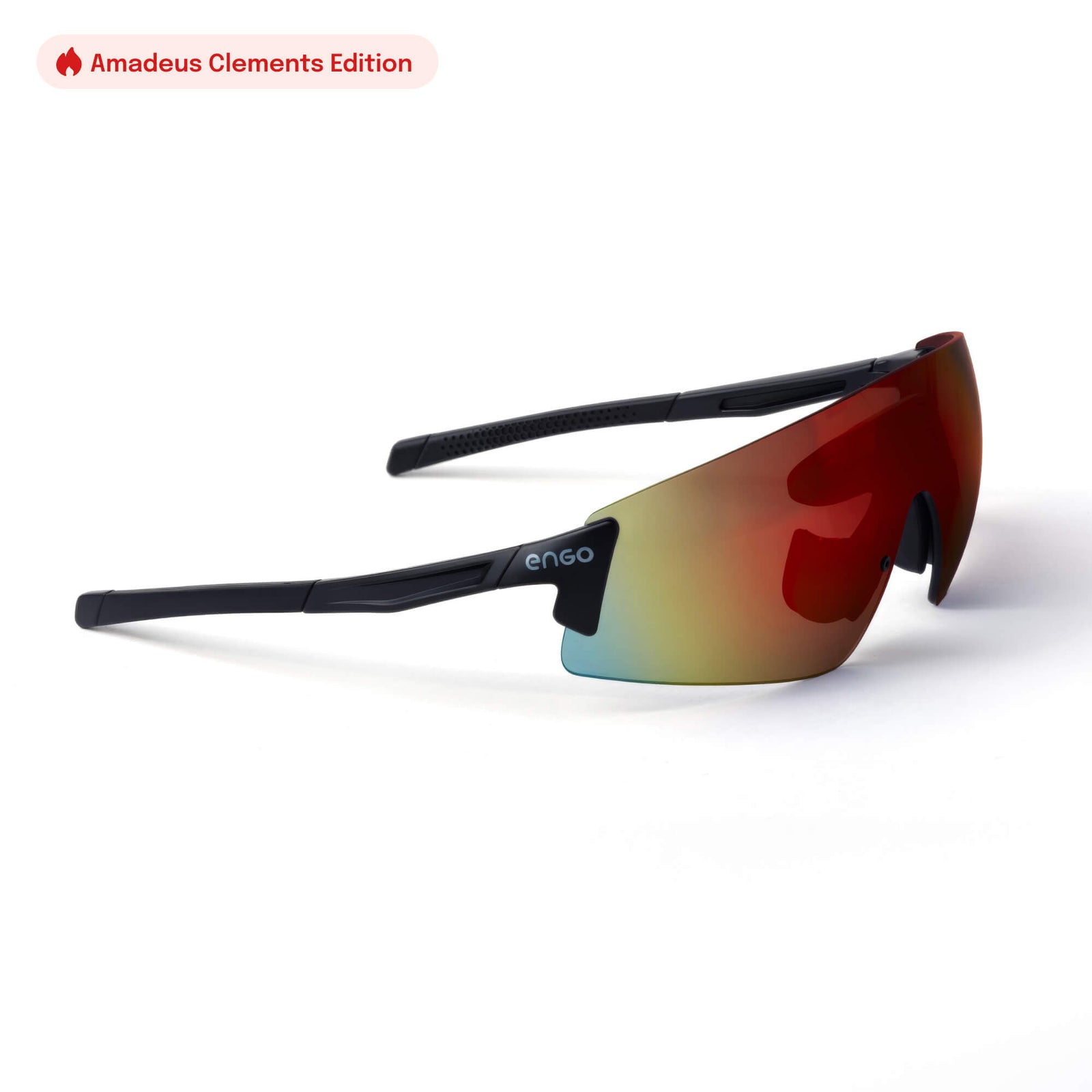
The engo3 uses fixed tinted lenses (category 3), perfect for very sunny conditions. The engo3 Photochromic features photochromic lenses that automatically adapt to light levels (cat. 0 to 3), making it ideal for changing light conditions.
Is engo3 compatible with Garmin?
Yes it is, with over 81+ models of Garmin devices, plus Apple Watch.
How is engo3 different from Meta Oakley Vanguard?
engo3 is a pure performance display built for serious runners and cyclists: a lightweight AR heads-up display (38.5g) that projects your stats (pace, heart rate, cadence, and more) right in your line of sight, with 20+ hours of battery life and no camera, music, or notifications to distract you.
The Oakley Meta Vanguard is a general-purpose smart glasses product with a built-in camera and Meta AI, giving you sport stats through voice commands or audio rather than a visual display, with about 9 hours of battery life. In short: engo3 keeps your eyes on the road and your data always visible, Vanguard is a multitasking device where sport is one feature among many.
How long does the engo3 battery last?
24+hours
Can I use engo3 for trail running or ultras?
Yes!
Does engo3 have a camera?
No, engo3 doesn't have a camera. It's built purely as a data display: no camera, no music, no notifications, just your real-time stats (pace, heart rate, cadence, etc.) projected in your field of view. That's a deliberate choice to keep it light (38.5g) and focused on performance rather than content capture.
What is the weight of engo3?
38.5 gr
Read more articles

Sardines: The Runner's Superfood Hiding in Your Pantry
Cheap, shelf-stable and packed with protein, omega-3s, vitamin D and calcium, sardines deserve a place in every runner's diet. Here is why, and easy ways to eat more of them.

The +11°C rule: how to actually dress for cold weather running
The science-backed rule that stops you from overdressing on cold mornings, plus a few field-tested hacks from the engo 6AM Club.
engo3 Titanium: built to disappear
500 frames. Aerospace-grade titanium, grown layer by layer, 28,9 grams total. Discover why we engineered engo3 Titanium, and why some objects are worth owning for a lifetime.

Compatible Devices
Works with most Garmin and Apple Watch. See the complete list of supported devices and third-party apps that work seamlessly with engo.
Check the compatibility of your device
Get Started in Minutes
Step-by-step instructions for pairing ENGO with your specific watch model. Clear, simple guidance to get you from unboxing to your first run in under 5 minutes.
Connect ENGO to your device
Returns
Train with engo for 30 days. If it doesn't transform your running, return it free with our prepaid label. Full refund, no questions asked, no restocking fees.
See Return Process
Questions? We're Here.
Browse our FAQ library, explore detailed setup guides, search our help database, or chat directly with our support team. Real help when you need it.
Visit Support Center